What it does
Everything a street needs to share cars
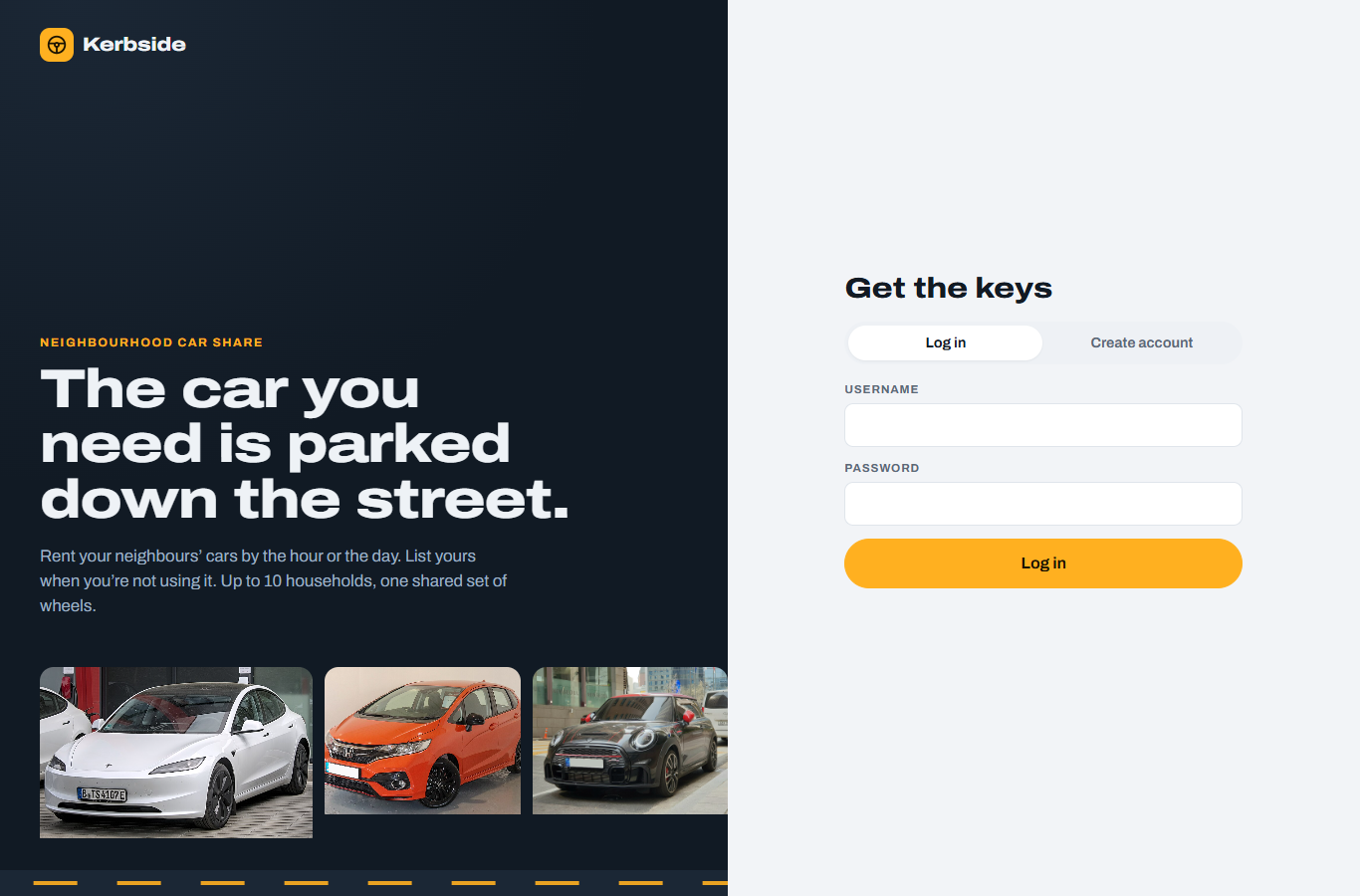
Simple, private login
Username and password, capped at 10 members, with an optional invite code. Passwords are hashed with scrypt.
Models, photos, prices
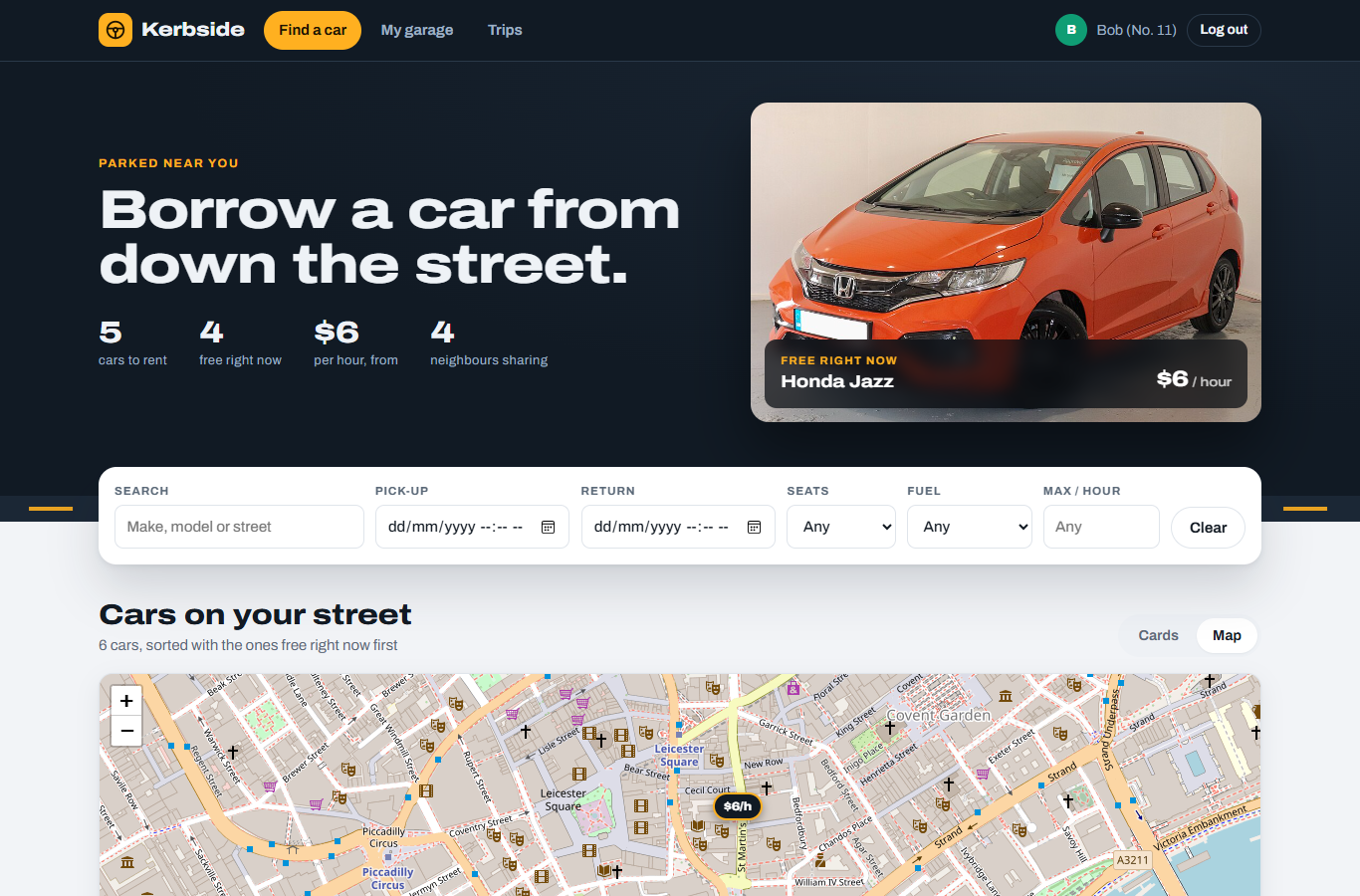
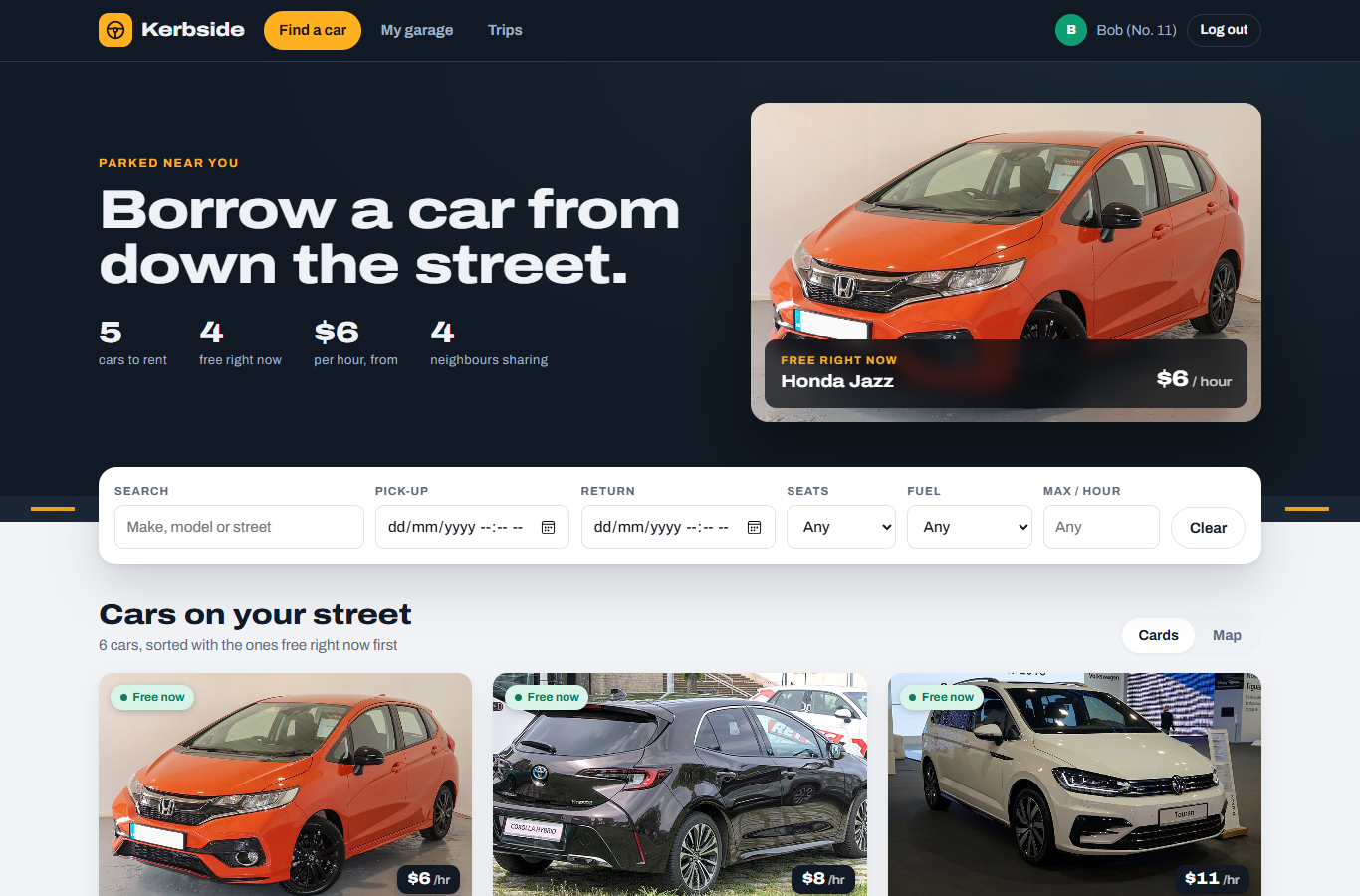
Filter by seats, fuel, price or trip time. Each card shows the photo, hourly and daily price, and whether it’s free now.
7-day timeline
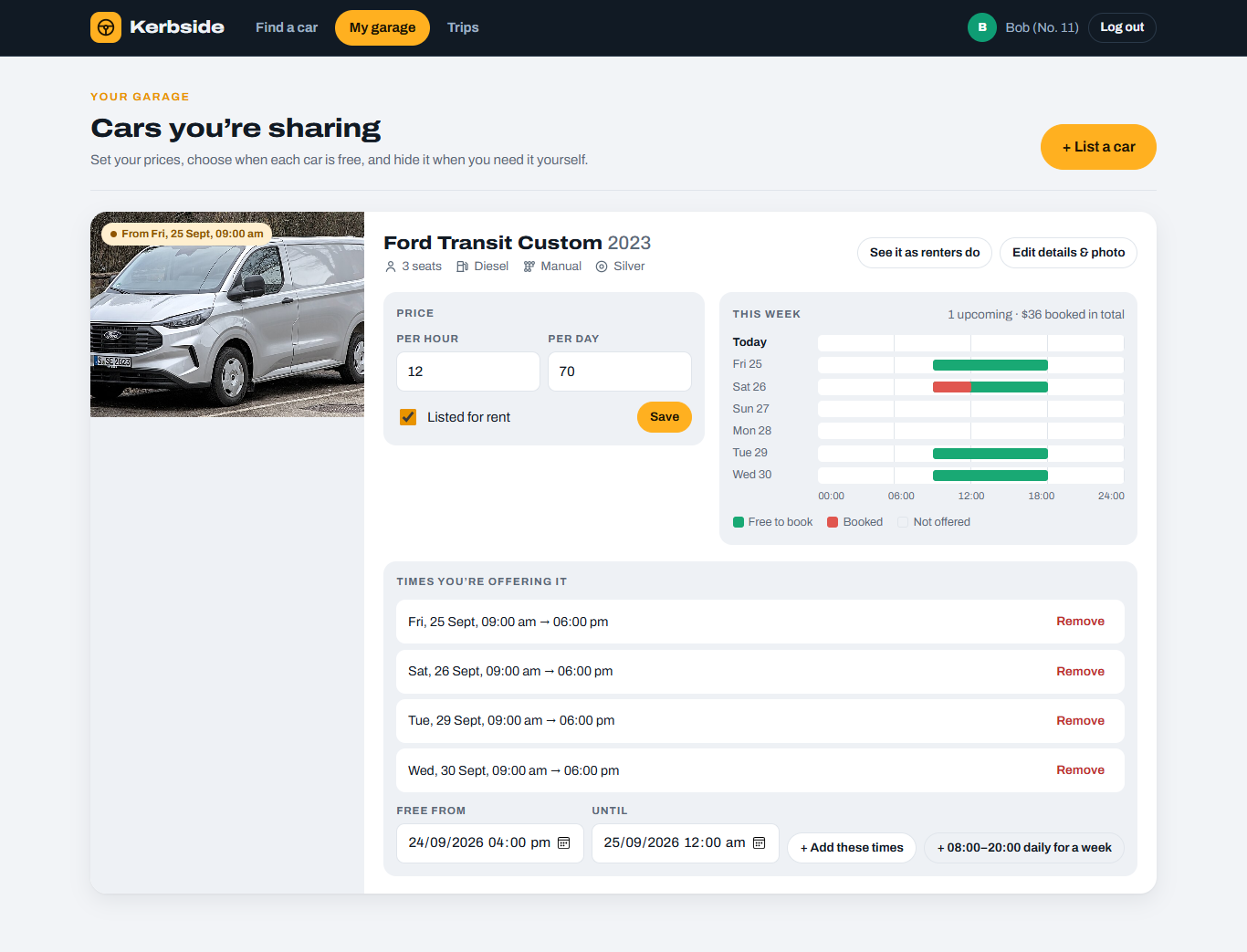
See at a glance when each car is offered and when it’s booked. Double bookings are refused by the server.
Where every car is parked
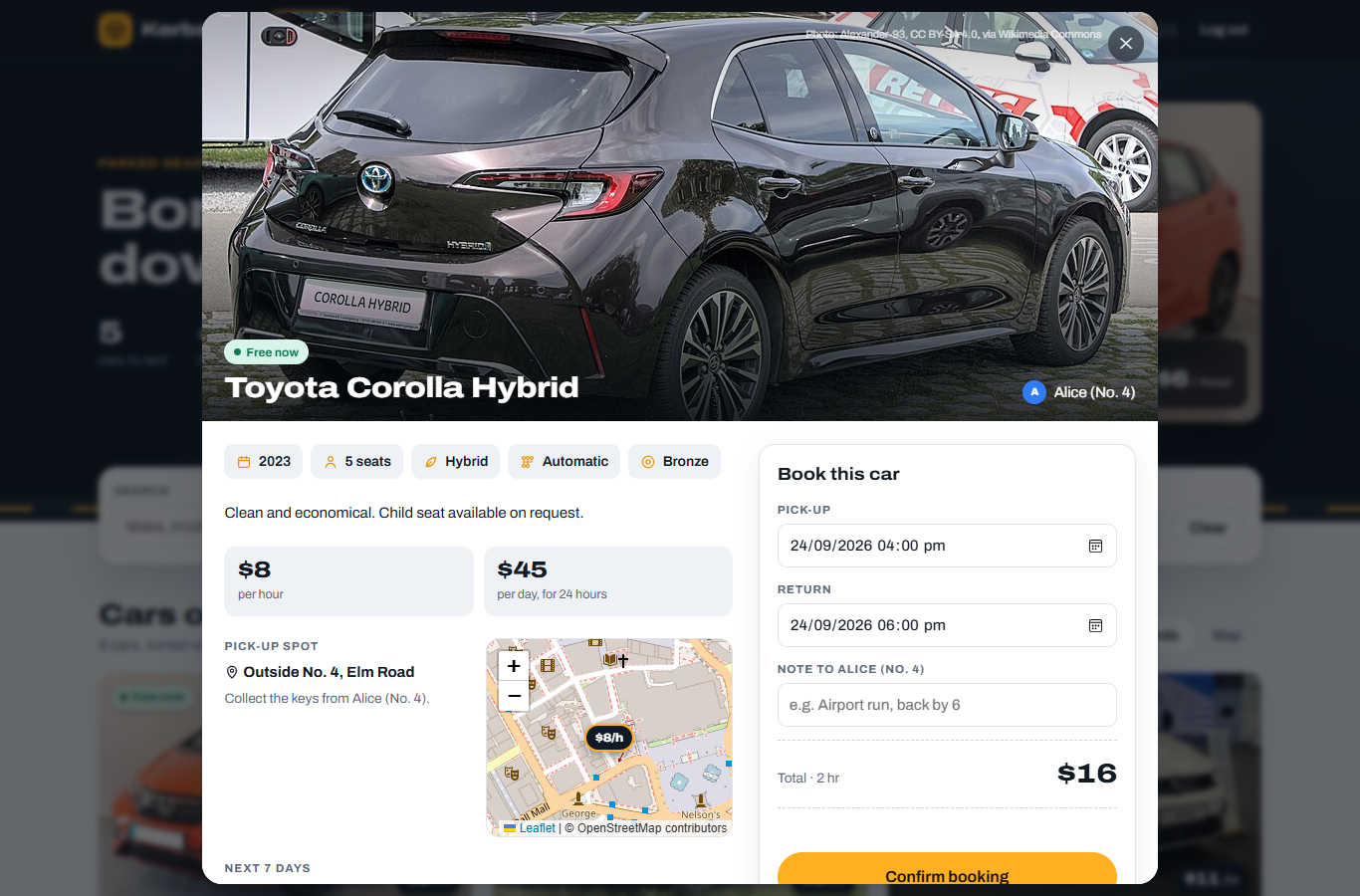
OpenStreetMap with price pins. Free cars are highlighted; tap a pin to see the car and book it.
Your car, your terms
Change the price any time, add or remove the times it’s free, upload a photo, or hide it for a while.
Bookings as rental tickets
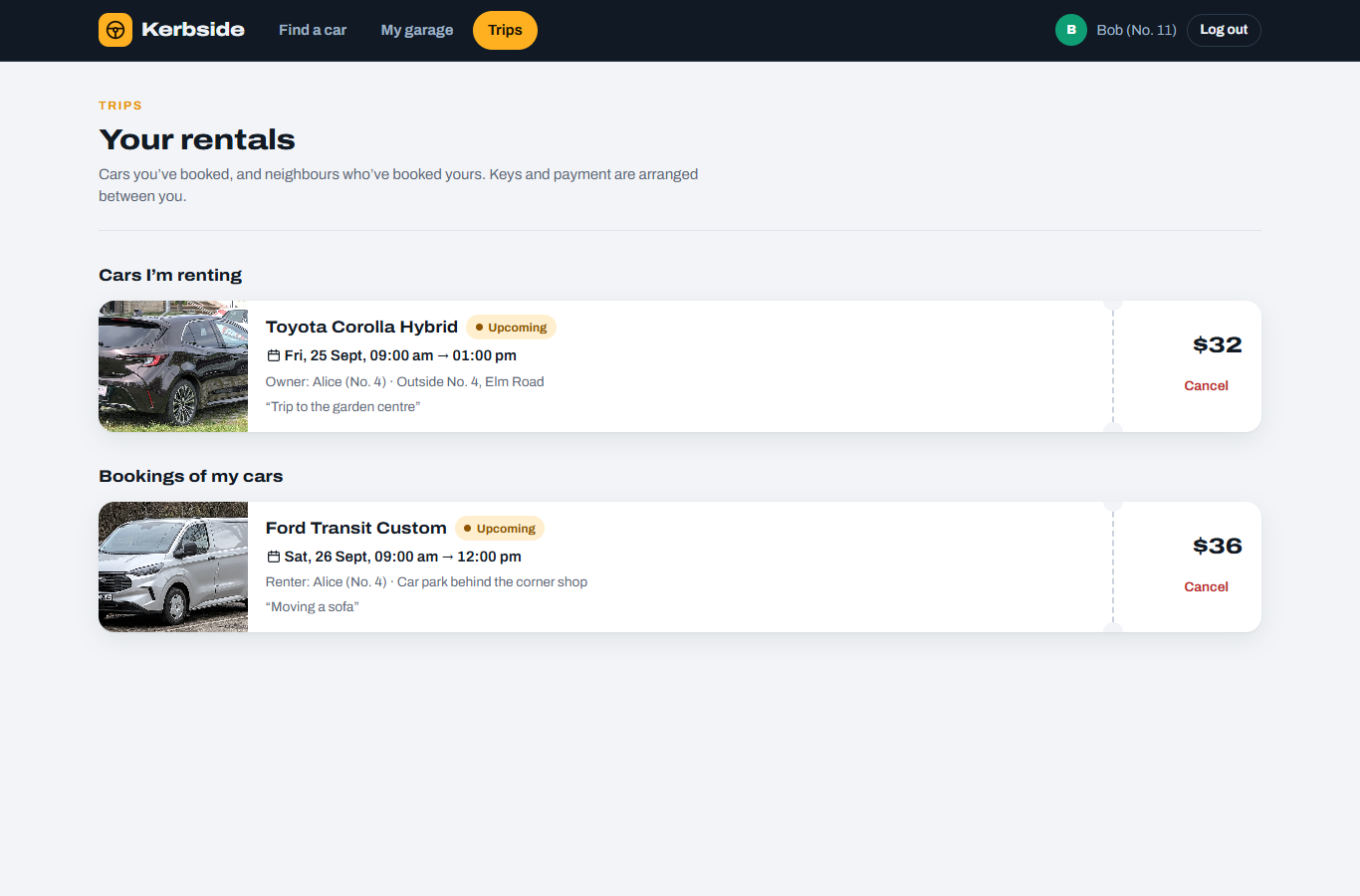
Upcoming, in-progress and past trips for renters and owners, with the price and a cancel button.
Screens
A look around
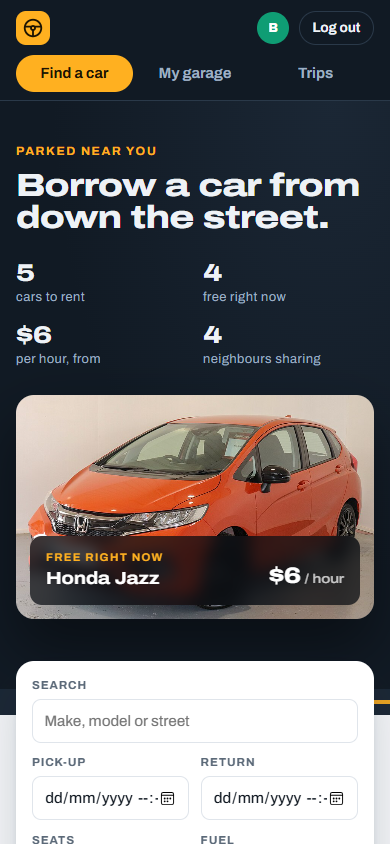
Screenshots of the local app with the demo data loaded. The car photos are example pictures of each model from Wikimedia Commons.
Works on phones
Neighbours mostly check cars from their phones, so every screen stacks to a single column, the tabs move to their own row, and the booking form stays easy to reach. It also follows the phone’s dark mode.
Project artifacts
Documents
The requirements, design, test plan and guides that go with the code.
Requirements
Scope, user stories, pricing rule and acceptance criteria.Read →Design
Architecture, database schema, REST API, security and configuration.Read →Test plan
22 automated tests mapped to requirements, plus a manual UI checklist.Read →User & setup guide
Installing, sharing with neighbours, and using the app day to day.Read →Photo credits
Licences for the demo car photos (CC BY-SA 4.0).Read →Hosted version
The same app as a single page for claude.ai, using its shared database and sign-in.View source →Run it
Start the app on your computer
This page is only the project site. The app itself needs a small Node.js server with a database, so it runs on your own computer or a Node host rather than on GitHub Pages.
Quick start
# Node.js 22.13 or newer
git clone https://github.com/aiworkzxin123/assignment3.git
cd assignment3
npm install
npm run seed -- --reset   # demo data (optional)
npm start                 # http://localhost:3080
npm test                  # 22 automated tests
Demo logins: alice, bob, chen or dana, password password123.
Built with
| Server | Node.js + Express (the only dependency) |
| Database | SQLite via Node’s built-in node:sqlite |
| Front end | Plain HTML, CSS and JavaScript, no build step |
| Map | Leaflet with OpenStreetMap tiles, no API key |
| Auth | scrypt password hashes, HttpOnly session cookies |
| Tests | node:test: 22 API and pricing tests |